
Computer and Internet Basics
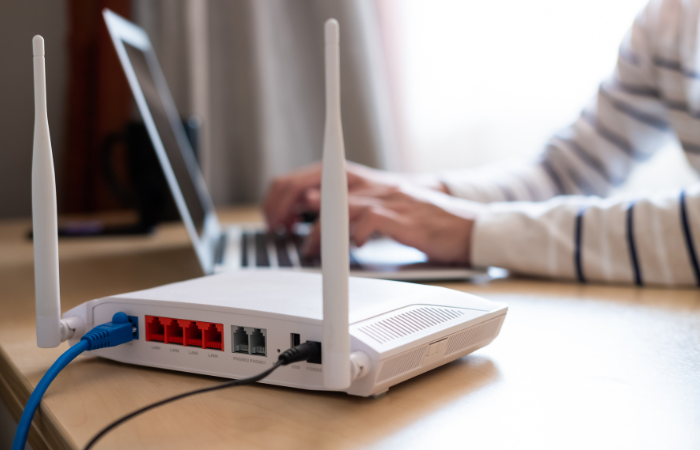
Home Internet: Modems, Routers, Gateways, Oh My!
Have you ever called your Internet provider and gotten lost in the terminology used on the phone? What is the difference between a router and a modem—and what do they actually do?
In this introductory computer networking course, students will learn about common Internet appliances, their functions, and how they work together to connect you to the Internet.
The course also provides a brief overview of what the Internet is and how information travels from the Internet to your device.
“Speed Up My Computer!” Common Causes of Slow Computers and Fixes
This course begins with a very basic overview of how computers work, then explores the most common reasons computers slow down over time.
Students will learn how to diagnose performance issues, manage startup tasks, and remove unwanted applications and data.
Participants are encouraged to bring their own laptop and work through the steps during the class.
Cancellation & Refund Policy
Individuals are responsible for canceling their registration should they not be able to attend. Refunds will not be issued for non-attendance. Cancellations received before the first day of class will receive a 100% refund. No refunds will be given on or after the first day of class.
About the Class
Registration
Modems, Routers, Gateways
| Class Date | Registration Code (phone registration) |
|---|---|
| TBD | CE53 0040 03 LC |
Computer Speed Up
| Class Date | Registration Code (phone registration) |
|---|---|
| TBD | CE53 0040 04 LC |
Need help? If you have any issues with registration, contact Student Services.
Phone:
435-753-6780
Our Mission
The mission of the Bridgerland Technical College is to deliver competency-based, employer-guided career and technical education to both secondary and post-secondary students through traditional and technology-enhanced
methodologies. This hands-on technical education provides occupational education, skills training, and workforce development to support the educational and economic development of the Bear River Region.